What is Rutera?
Rutera is a map and trip planner for the Dominican Republic. It brings together beaches, mountains, events, routes, and local insights — all 32 provinces, at your pace.
Short answers
What people ask the first time they open Rutera. Not a manual — one question, one answer.
Rutera is a map and trip planner for the Dominican Republic. It brings together beaches, mountains, events, routes, and local insights — all 32 provinces, at your pace.
Yes. Exploring the map, filtering places, and planning a trip is free. A free account lets you save trips, mark places in Favorites, share, export, and leave ratings.
You can build a trip by choosing a destination, a starting point, and the places you want to visit. The mobile and desktop flows are different.
In Plan, tap Create a new trip and choose a destination. Then say where you’re starting from: a province or your current location.
Add the places you want to visit between origin and destination. When you have at least one, tap View itinerary to see the route on the map.
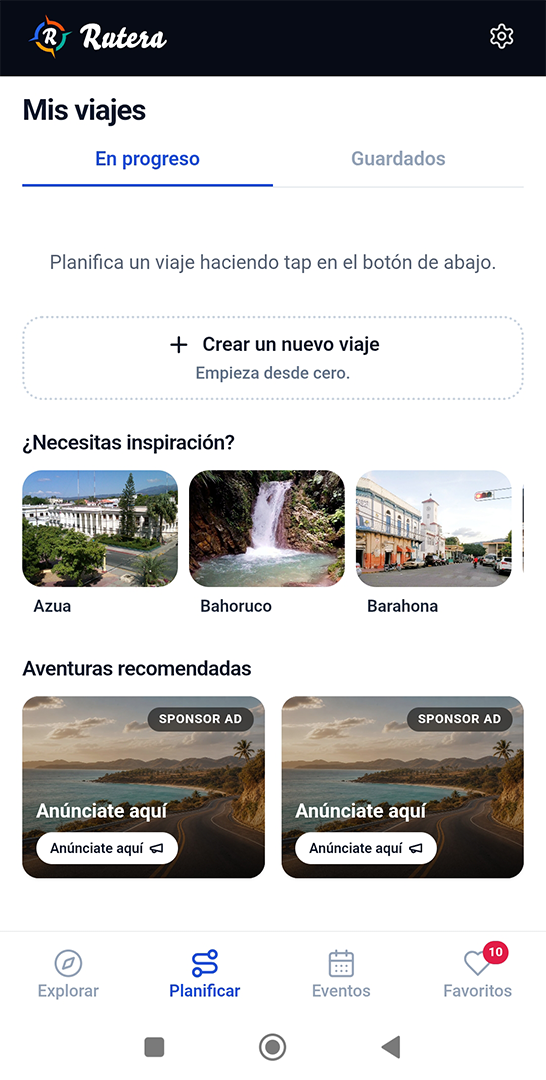
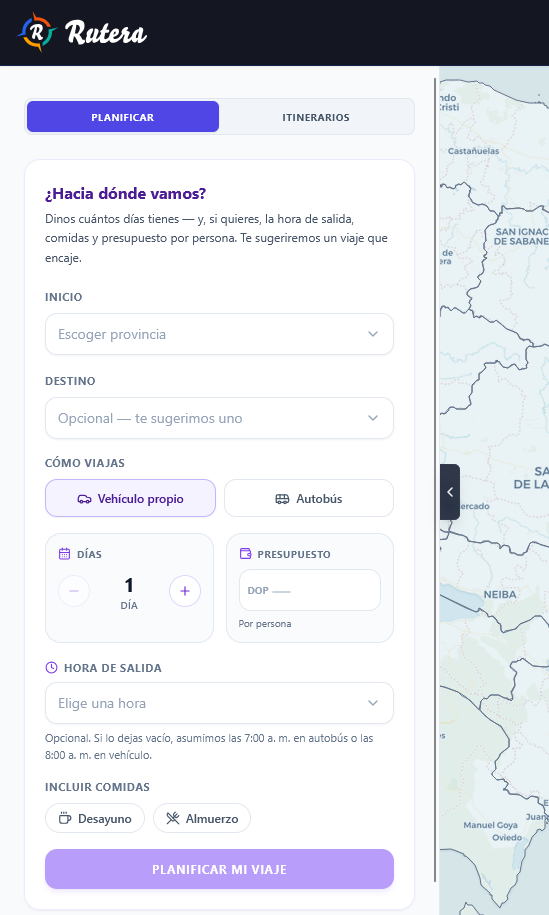
In Plan (Plan tab), choose a starting province under Start and, if you want, a Destination.
Say how you’re traveling (own vehicle or bus) and how many days you have. Optional: budget per person, departure time, and meals.
Click Plan my trip. Rutera suggests a route that fits; review it under Itineraries.
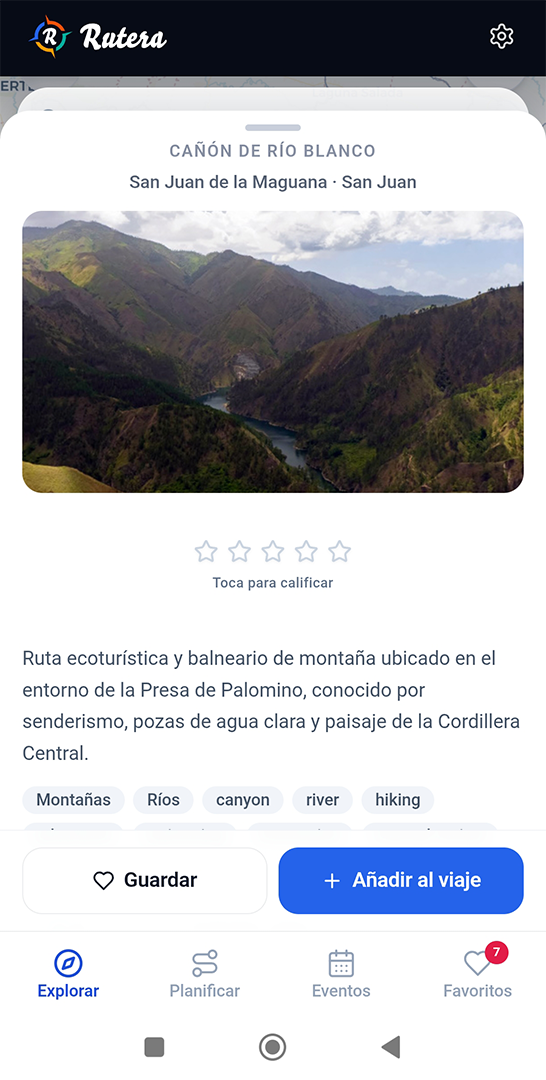
You can add a place to your itinerary from its card on the map. If the place isn’t in Rutera yet, email hola@rutera.do — we’ll send you a short questionnaire to add it.
In Explore, search or filter for the place and open it in the panel. Tap Add to trip.
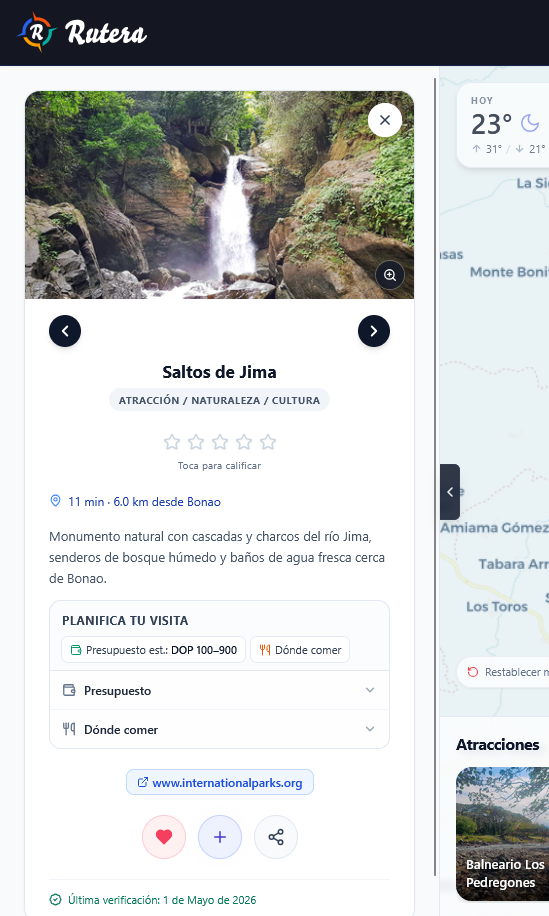
In Explore, click the place on the map or in the list. On the place card, click Add to trip.
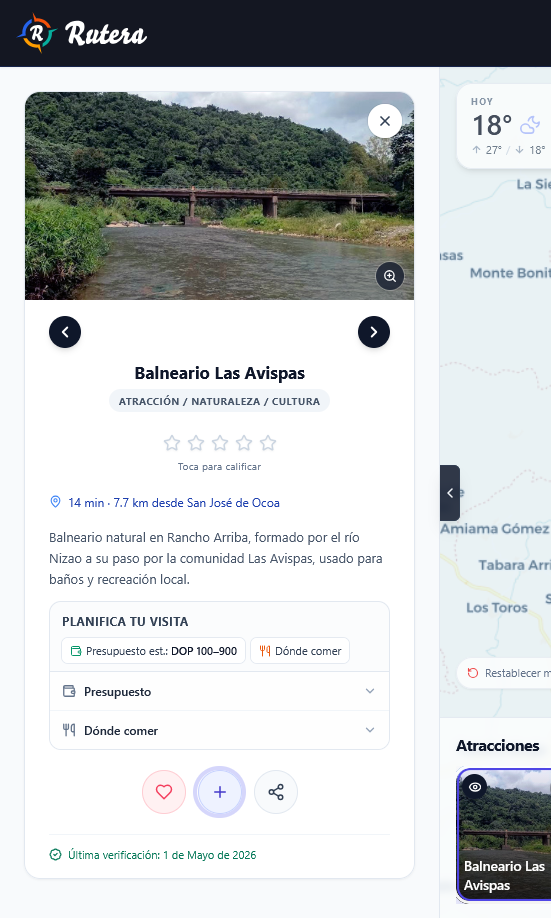
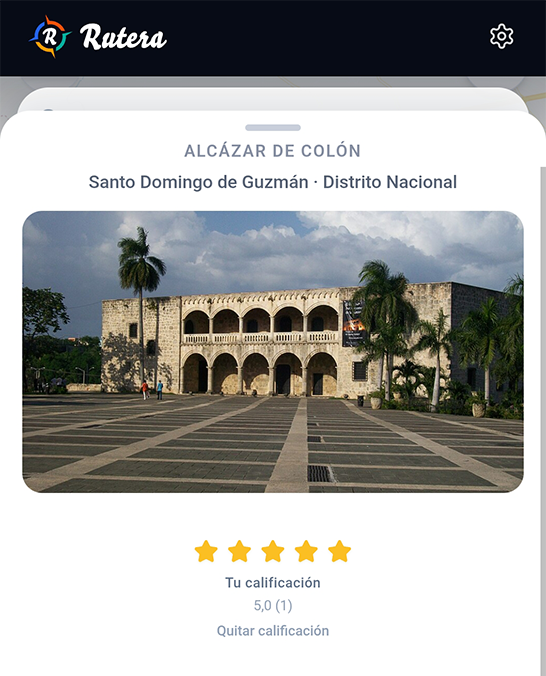
It’s an average from 1 to 5 stars, based on ratings from people with an account. It is not the Google or TripAdvisor score.
Sign in and choose stars on the place card to leave yours or change it. If a place has no ratings yet, you can be the first.
Not to explore. You can browse the map and plan a trip as a guest.
You do need one to save a trip, mark favorites, share, export, or rate a place. The account is free — sign in with Google or an email link.
Saved places and trips live in Favorites. With an account, they sync across devices.
On the place card, tap Save (the heart). It shows up under Favorites in the bottom bar — along with any trips you save.
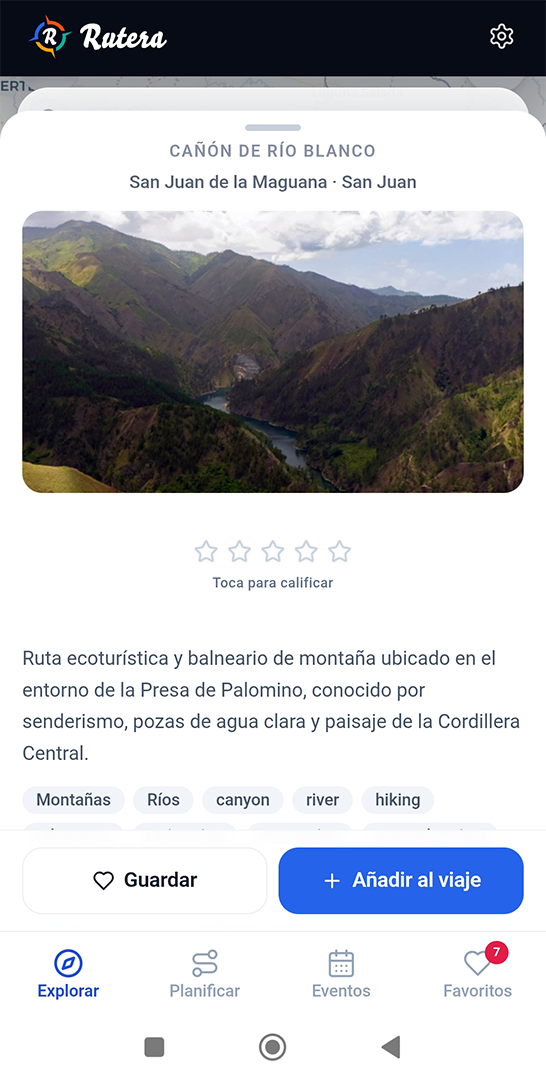
On the place card or detail panel, click Favorite (the heart). It shows up under Favorites in the top bar.
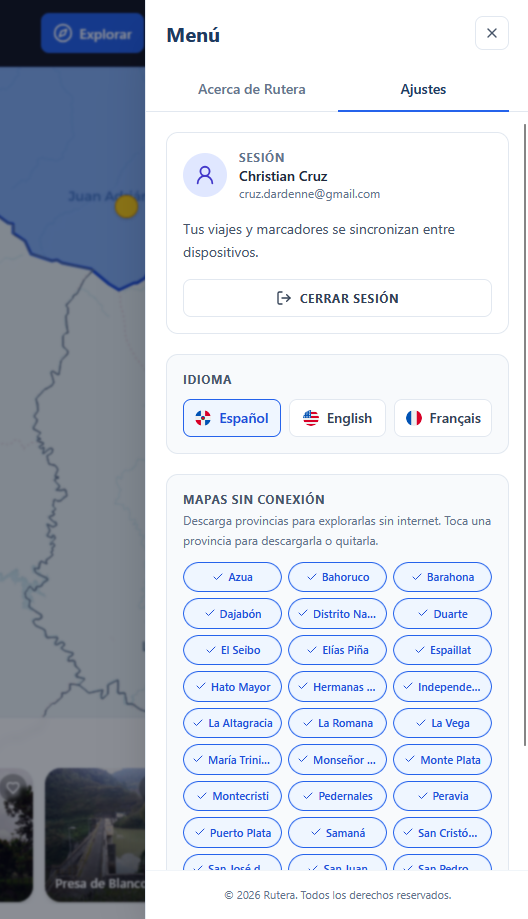
Yes: Offline maps. Download provinces so you can still see those places without a signal. The menu path is the same on mobile and desktop.
Tap the gear to open the menu, go to Settings, and under Offline maps tap the province you’ll travel to download it.
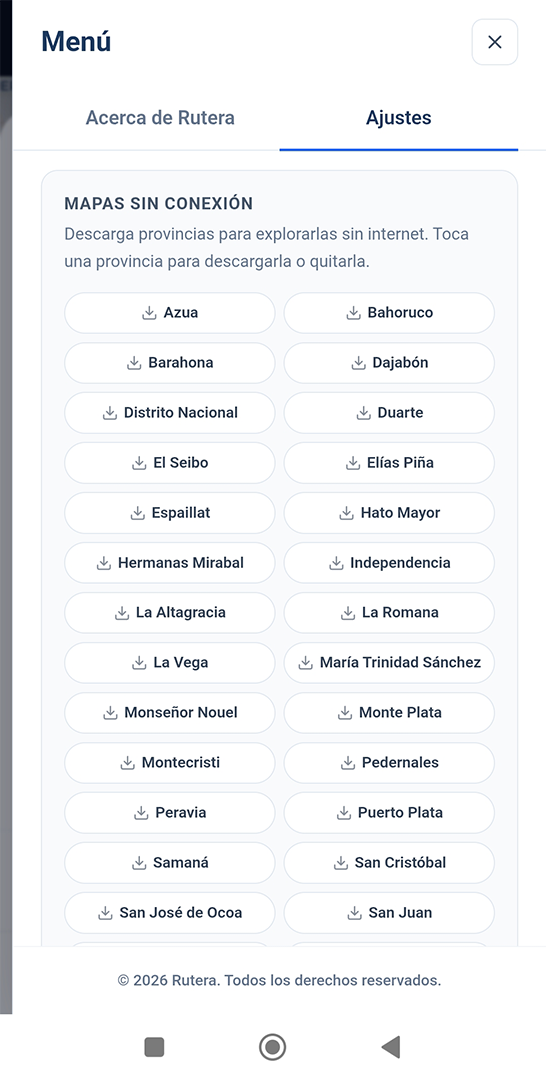
Click the gear to open the menu, go to Settings, and under Offline maps select the province you’ll travel to download it.
No. Rutera runs in the browser, on your phone or computer. Open it at rutera.io.
Yes. The app is still being tested, so things may change and you may hit bugs. Use it, and if something’s off, write to hola@rutera.do.